
Set the challenge.
Define the scenario, participant roles and learning objectives before the exercise begins.
IRONBYRD / FORGE
Cyber incident exercises that bring people, decisions and learning together. Forge is Ironbyrd's browser-based exercise tool, now with a working development build. Explore the actual interface for practising how a team responds when the pressure rises.
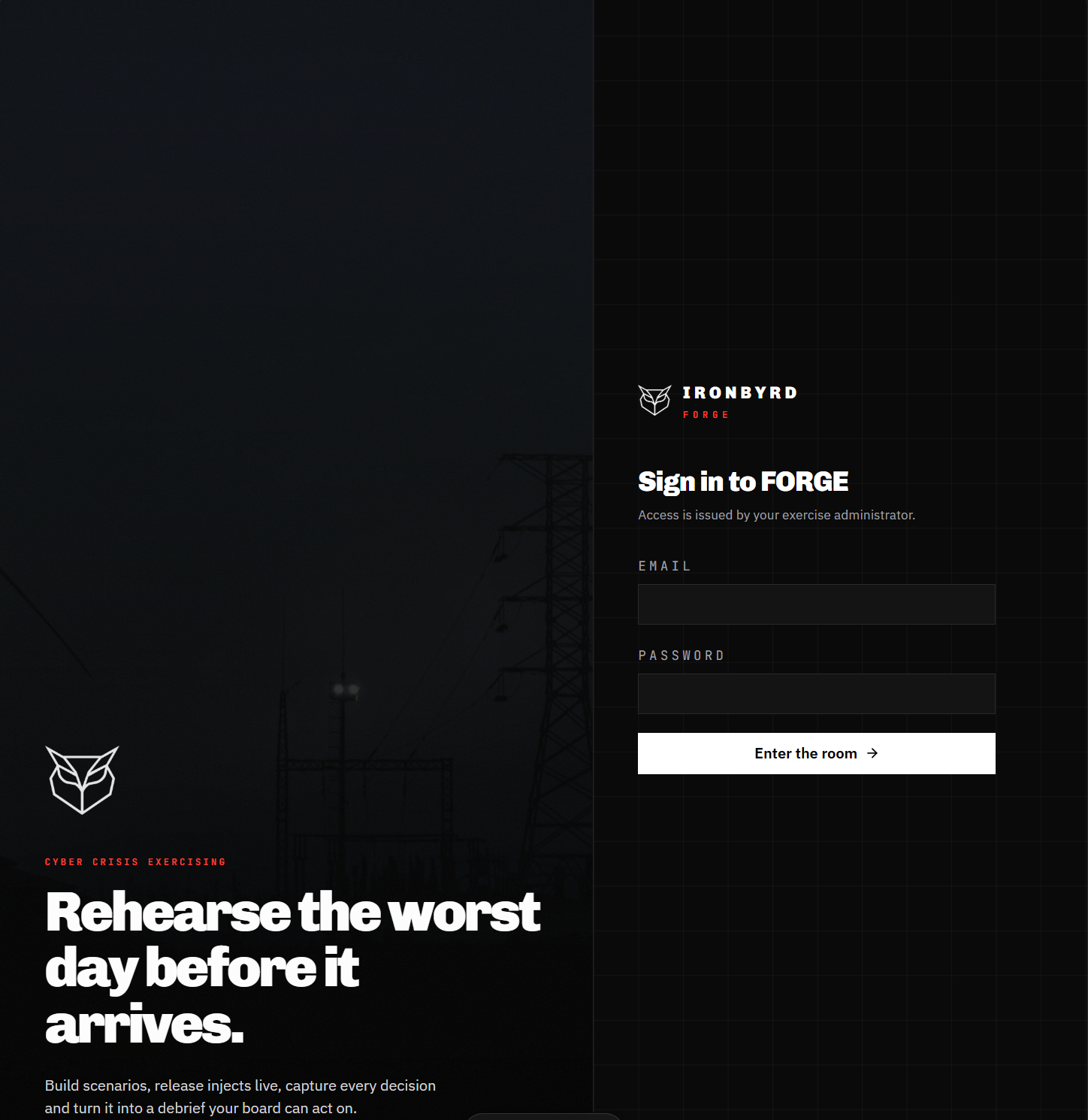
Rehearse the worst day before it arrives.
INSIDE THE TOOL
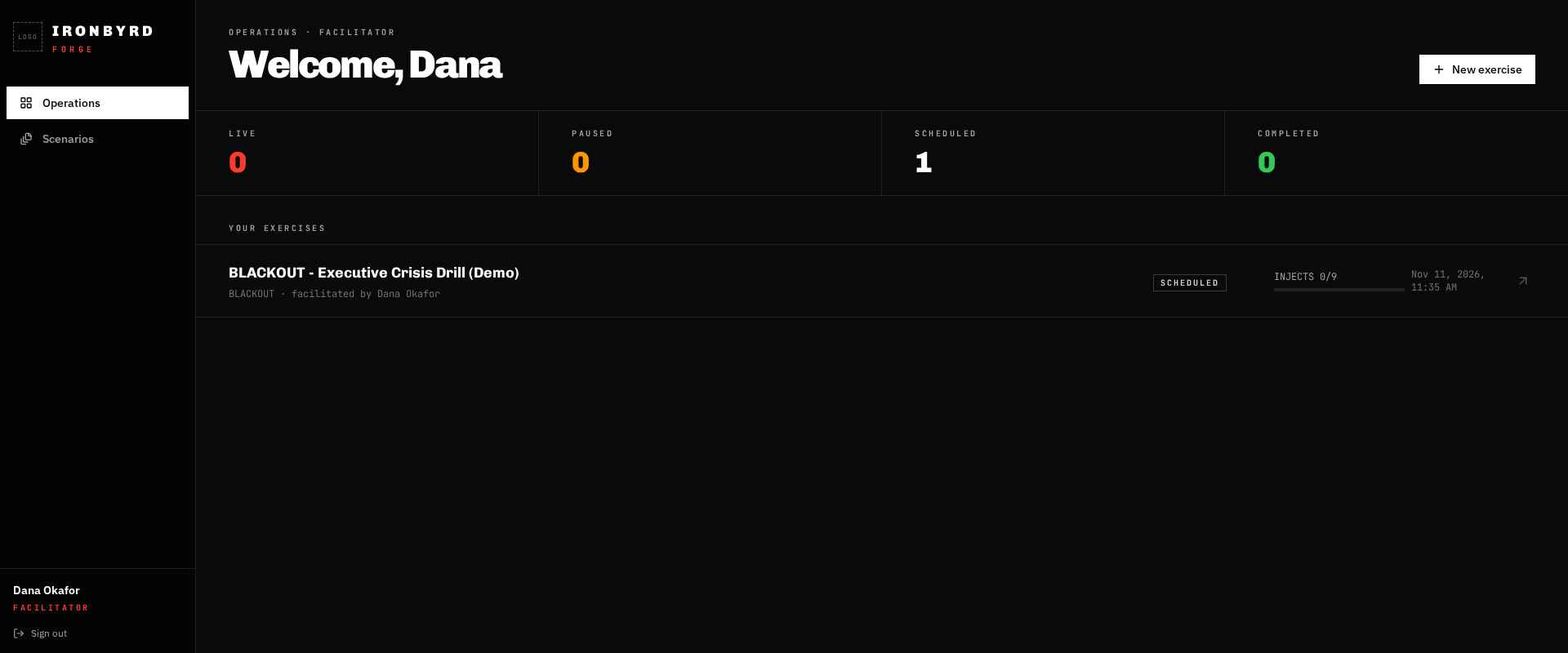
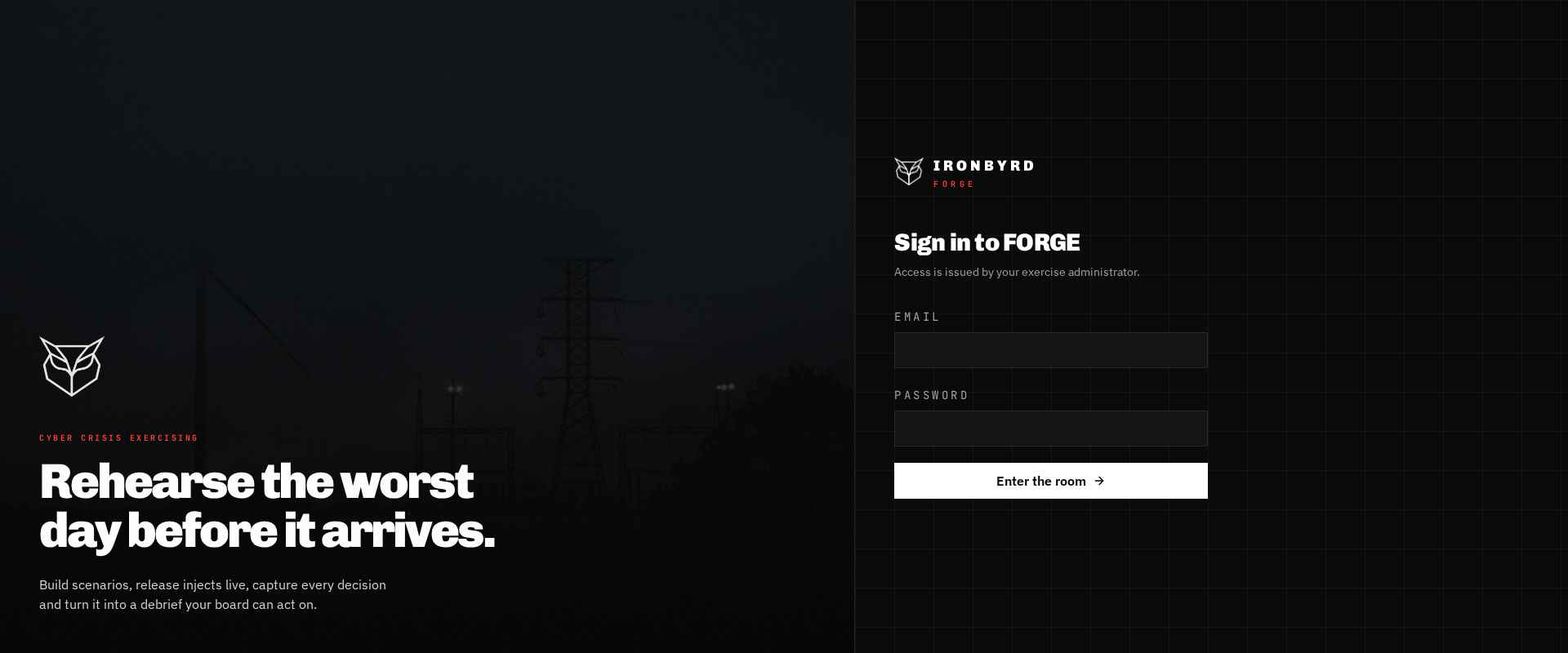
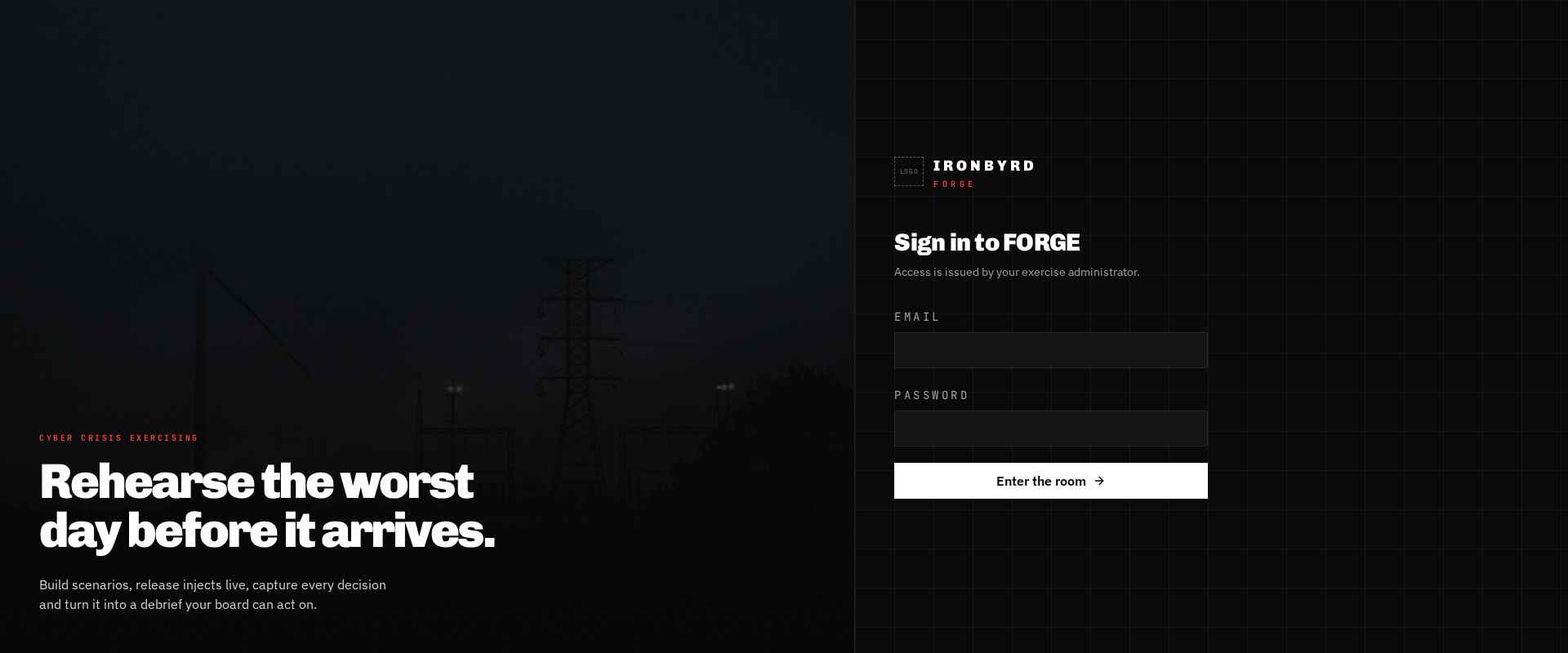
A closer look at Forge's working interface. Explore the facilitator workspace, exercise operations and sign-in experience, captured directly from the development build.
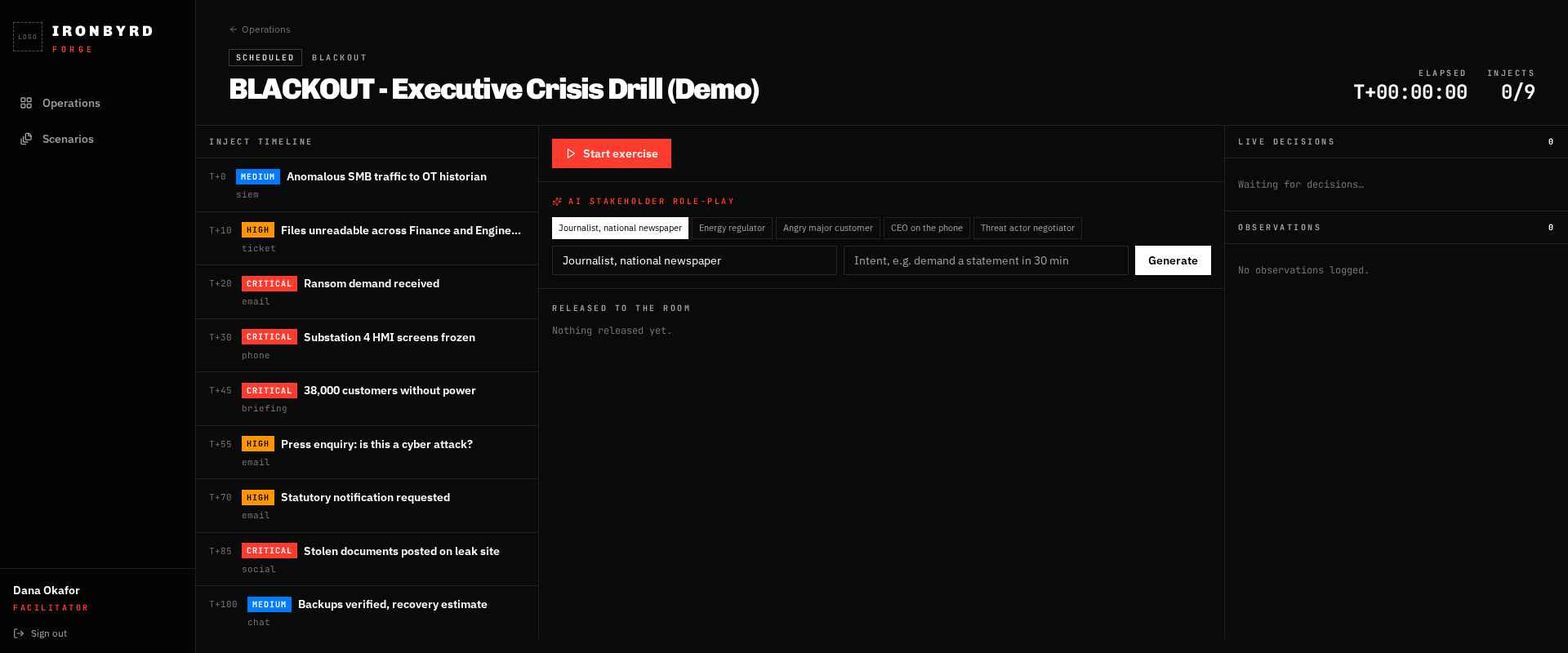
The BLACKOUT demo brings the scenario timeline, stakeholder role-play controls, decisions and observations into one facilitator workspace.
THE SAME EXERCISE. A DIFFERENT VIEW.
The mobile capture shows Forge adapting the facilitator workspace to a smaller screen, with the exercise status and stakeholder role-play controls kept together.
The scenario name, session time and update count at the top of the workspace.
The exercise start control and stakeholder role-play interface in a compact view.
A dedicated area for information released into the exercise.
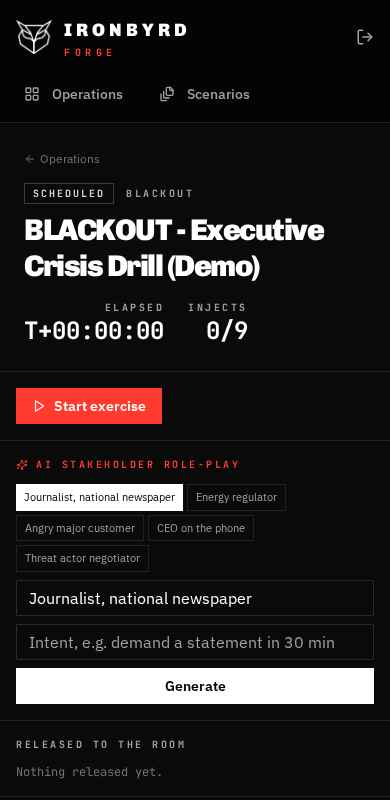
Screenshots show the actual Forge development build with demo exercise content. Select a screen to explore it, or enlarge any image for a closer look.
01 / THE PURPOSE
An incident puts technical teams, leaders and communications staff under pressure at the same time. Forge is being designed to help them rehearse those decisions in a structured, facilitated exercise.
Define the scenario, participant roles and learning objectives before the exercise begins.
Introduce timed developments, discuss options and record the team's decisions as the situation evolves.
Review decisions against the objectives and agree practical improvements with named owners.
02 / CAPABILITIES & ROADMAP
The current interface brings exercise operations and facilitator controls together. The wider development scope covers scenario creation, assessment and after-action learning.
Build exercise briefings, learning objectives and a sequence of developments around an agreed training need.
Bring participants into a shared browser-based session with separate facilitator and participant responsibilities.
Release new information through a shared exercise timeline, with the facilitator controlling pace and progression.
Capture decisions, their rationale and the team's response as the scenario develops, ready for review during the debrief.
Record observations and assess the response against defined objectives, using agreed criteria rather than an unexplained score.
Bring the timeline, observations and lessons into an after-action report, with improvement actions and accountable owners.
The facilitator workspace includes AI stakeholder role-play controls alongside the scenario timeline. AI-generated contributions should be reviewed before being introduced to an exercise. The wider capabilities described here remain subject to development and validation.
03 / THE EXERCISE
The initial format is a facilitated tabletop exercise: participants work through a fictional incident and discuss their response as new information arrives.
BLACKOUT / DEMO SCENARIO
The BLACKOUT executive crisis drill shown in the screenshots follows a fictional cyber disruption at an energy organisation. The scenario timeline introduces technical findings, service impacts and stakeholder questions as the situation develops.
The actual tool is shown with demo exercise content.
Agree roles, objectives and the starting situation using fictional exercise information.
The facilitator adds information and stakeholder requests at chosen points in the session.
Participants discuss options and capture decisions, assumptions and responsibilities.
Review the sequence of events, identify gaps and agree actions for the next exercise.
04 / WHO IT IS FOR
Forge Cyber is intended for organisations that want technical and business teams to practise incident decisions together.
Rehearse how technical teams, management and supplier contacts coordinate during a fictional cyber disruption.
Exercise escalation, service recovery priorities and the handover between technical findings and business decisions.
Practise coordination between service owners, leadership and communications teams when an essential service is affected.
Defence and emergency-response scenario packs form part of the longer-term direction. The initial product scope focuses on cyber incident training.
05 / YOUR QUESTIONS
Forge has a working development build, shown in the actual product screenshots on this page. Contact Ironbyrd to discuss a demonstration, your training needs or a potential evaluation. General availability and a public release date have not been announced.
Participants would review a scenario briefing, receive updates, discuss their response and record decisions. A facilitator would guide the session and lead a debrief against agreed learning objectives.
The current facilitator interface includes stakeholder role-play controls for perspectives such as a journalist, regulator or customer. AI-generated material should be reviewed by the facilitator before it is introduced. Scripted scenario content remains part of the exercise approach.
Scenario authoring is part of the planned scope. An initial discussion would cover the exercise objectives, participant roles, scenario material and assessment criteria. Early demonstrations would use fictional information.
Hosting, identity, access controls, retention and any use of external AI services would be defined and reviewed before an organisational evaluation. Supported deployment configurations have not yet been confirmed.
Your audience, current exercise approach, learning objectives and the decisions you want teams to practise. We can then discuss a focused scenario and the requirements for a potential evaluation. Pricing and delivery would depend on the agreed scope.
SHAPE THE FIRST EXERCISE
Discuss your training objectives with Ironbyrd and help shape the direction of Forge.